Inventory missing? Here is how you can use Feedme to manage your inventory
Tired of missing stock and unhappy customers? Inventory errors can hurt your business. Lost sales, delays, and poor service. FeedMe POS solves this with smart, real – time inventory tracking. Reduce human error, improve visibility, and manage your stock with ease.
Stock report in the portal
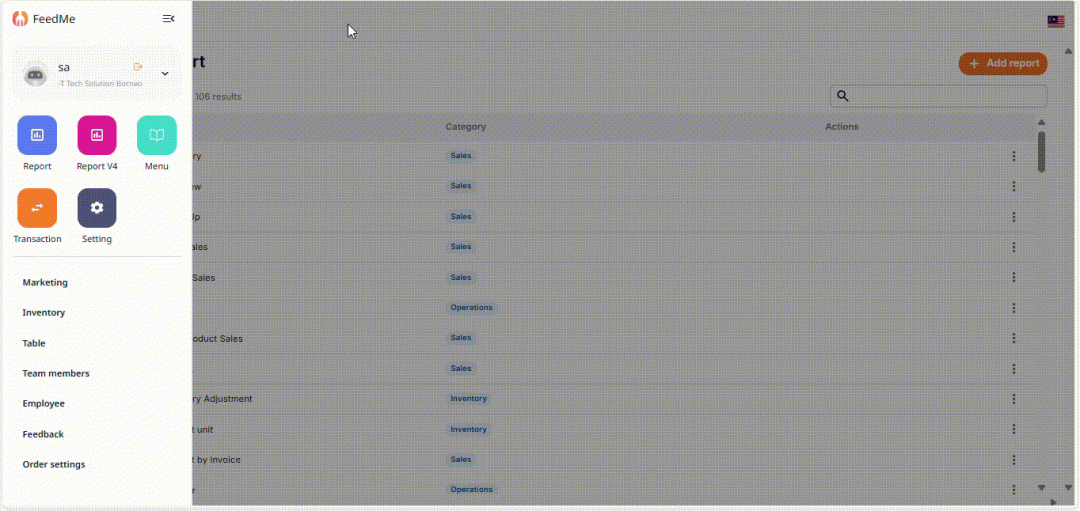
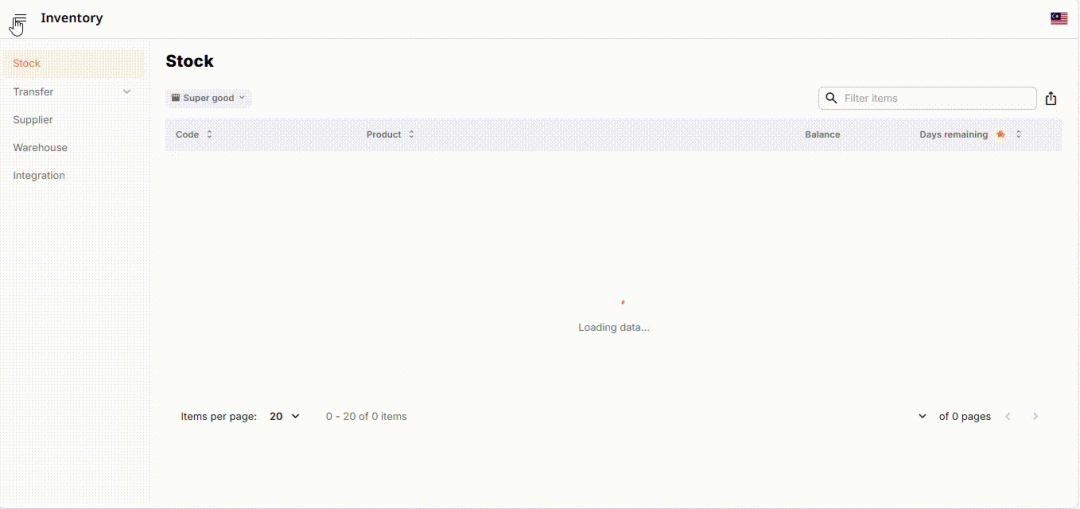
You can find the stock report under the Inventory to check current stock amount/ stock available, number of days to expire:
Code: Code for Ingredients
Product: Ingredient’s Name
Balance: Total Amounts of Stock Remain
Days Remaining: Lifespan for Ingredients
Inventory Adjustment Report in the portal
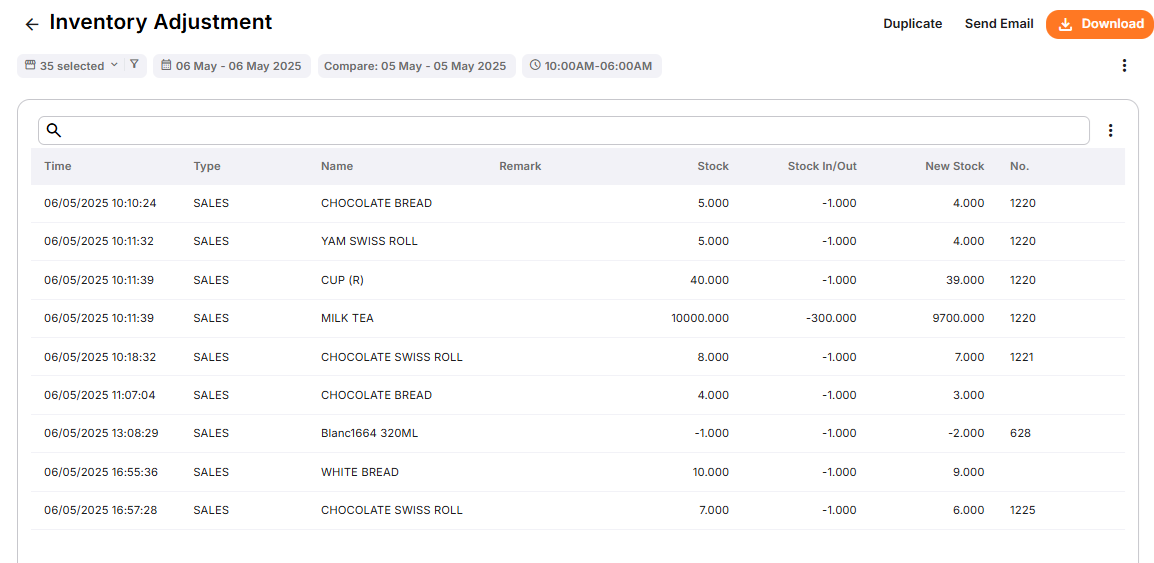
You can also see the inventory adjustment report here, to check the stock in/ out:
Time: date & time to stock in & stock out
Types: Sales / Purchase/ Transfer
Name: Ingredient’s Name
Stock: Total Stock Amount before stock in/ out
Stock In/ Out: Stock in when purchase stocks (stock amount increase), stock out when sales made (stock amount decrease).
A reliable POS more than a cash drawer and receipt printer, captures every ringgit, day in and day out, while transforming raw transaction data into clear, actionable insights.
You can effortlessly with a modern POS:
Improve accuracy and efficiency by estimating the exact number of staff needed for each shift (clock-in/out).
Spot business trends early and organise discounts like promotions, vouchers to boost sales.



Add a Comment
You must be logged in to post a comment