How to activate and try Genius POS

Want to try Genius POS but don’t know how to do it?? Don’t worry, here I would like to share my demo license and teach you how to activate Genius POS demo license!

The only limitation for Genius POS Demo License is only allow for 10 transactions per day.

Let's Start!

Let's Start!

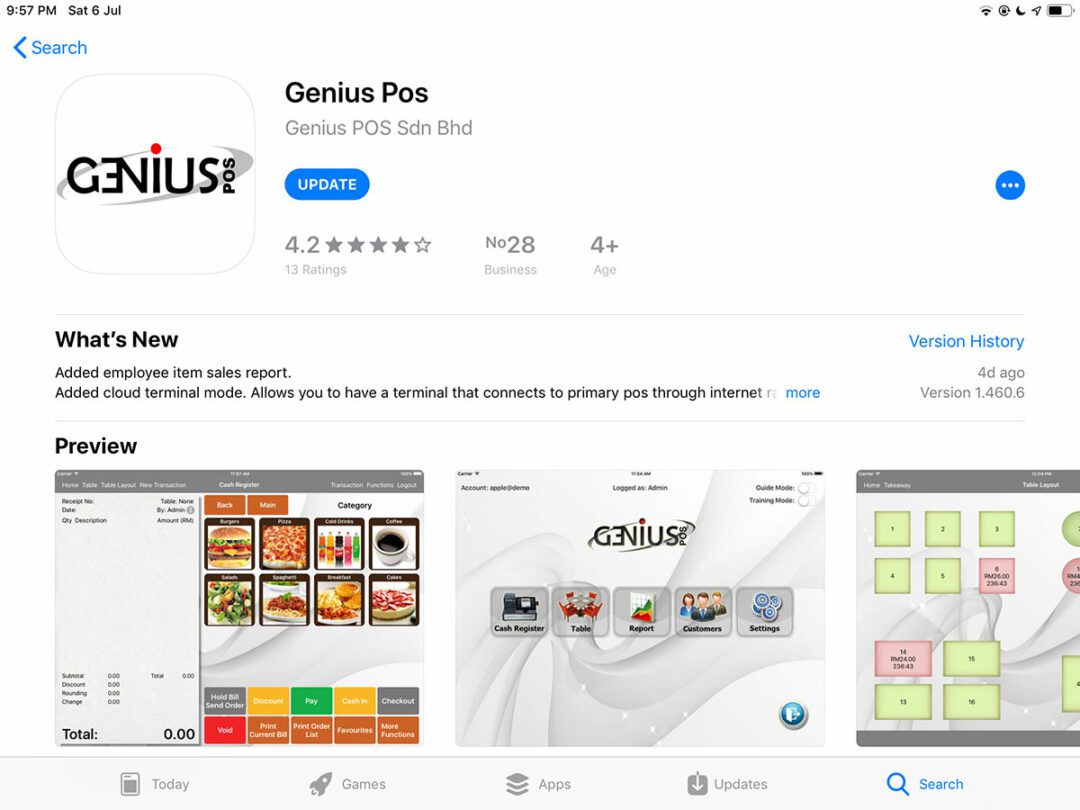
To download the full version of Genius Pos and try it for free:
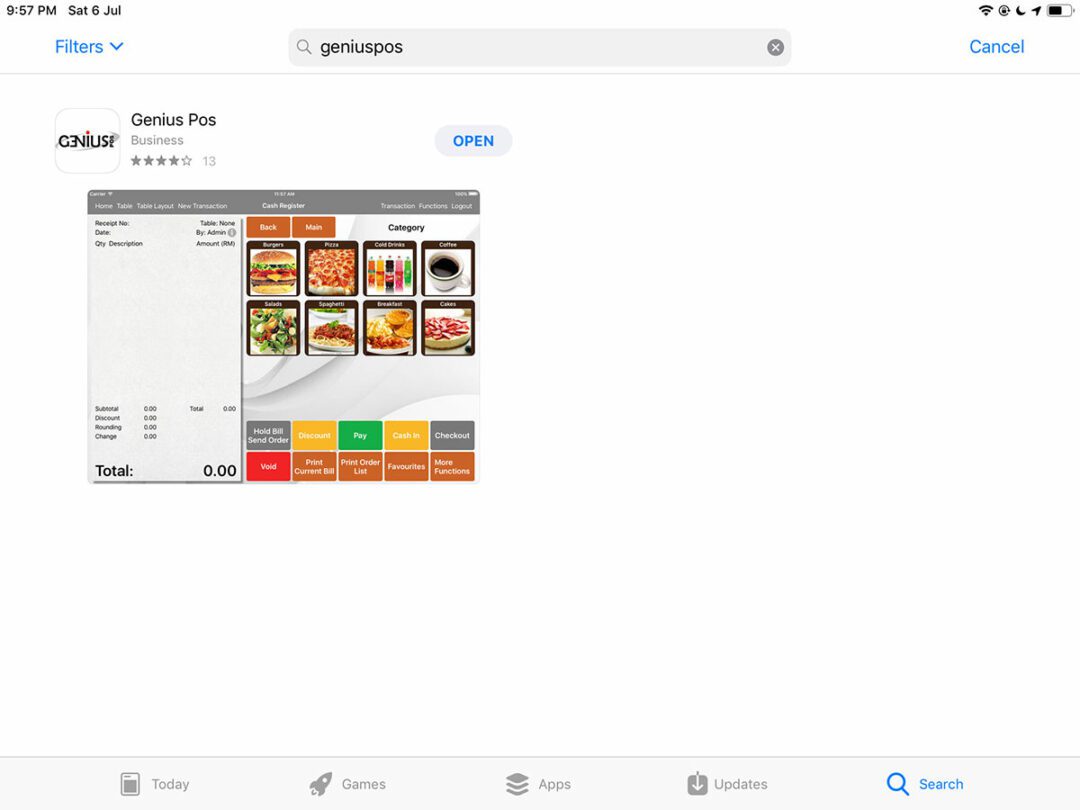
1. Search for Genius Pos in the Apple AppStore, or click the link below:
https://itunes.apple.com/my/app/genius-pos/id1111496914?mt=8
2. Download Genius POS business app.

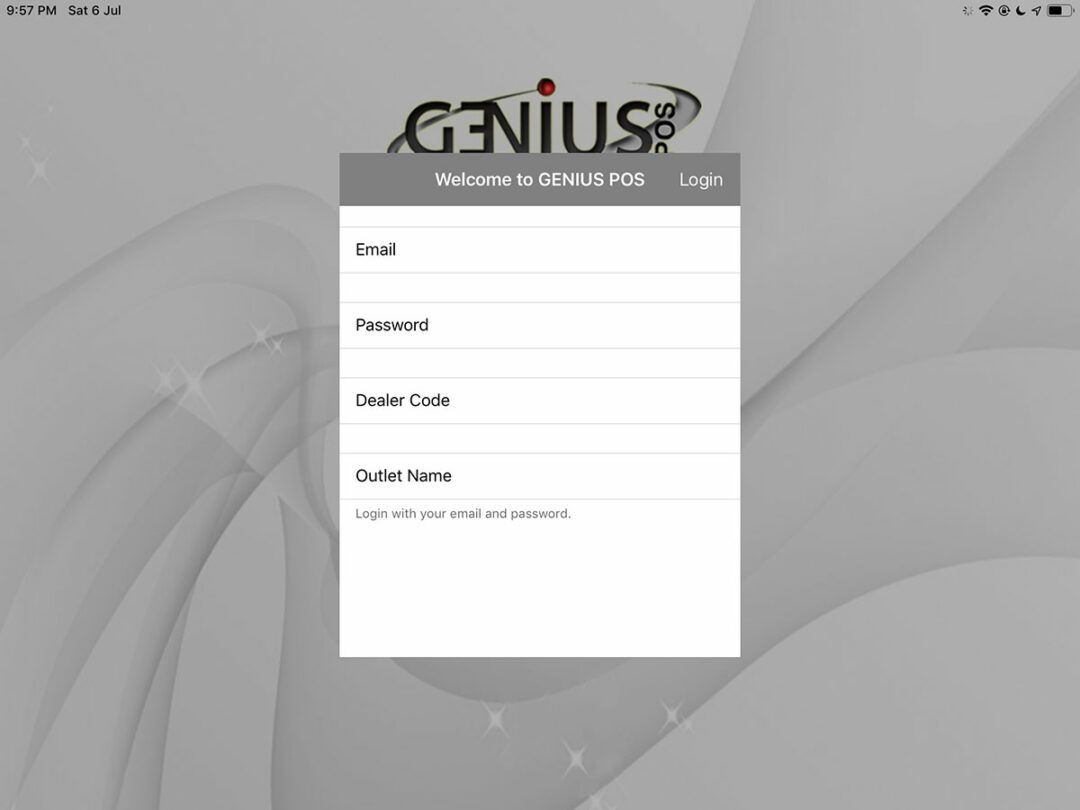
You will see the welcome page, follow the instructions below to activate your demo license!

Log in to the app by typing the following:

Username : demo@geniuspos
Password : 1234
Dealer code : SW0001

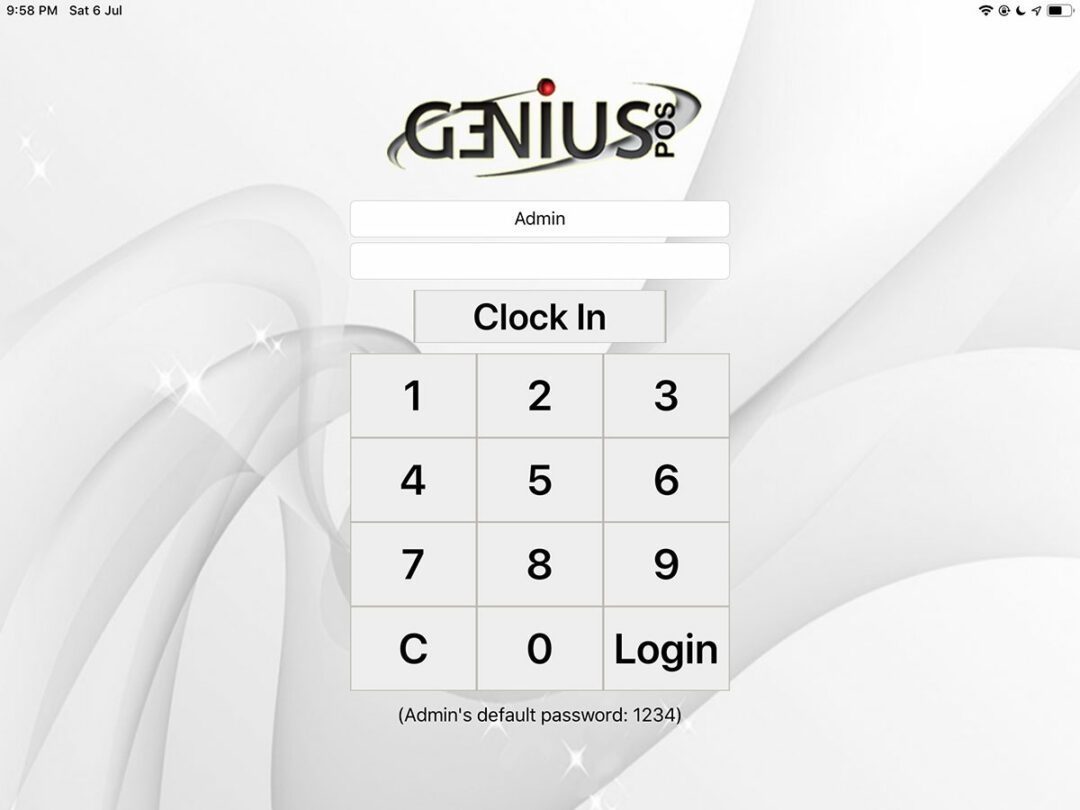
After you activate it, key in default password 1234 to login!

For first time login, please connect to the internet. Genius POS can work without internet.

Voila! You have activate Genius POS successfully!

For more tutorials on Genius POS and setting, please visit our tutorial video page.

Comments are closed.